
AI automation combines artificial intelligence with automated workflows to help businesses handle tasks that traditionally require manual work. Instead of following only fixed rules, AI can understand text, classify information, generate responses, analyze data, and support decisions within an automated process.
For businesses, this can mean less time spent on repetitive tasks and more time available for customers, strategy, and important work.
But AI automation is not simply about adding an AI tool to a business process. The real value comes from connecting AI with a well-designed workflow so that information can move between tasks with appropriate human oversight.
In this guide, you’ll learn what AI automation is, how it works, how it differs from traditional automation and AI agents, practical business examples, its benefits and limitations, and how to start using it effectively in 2026.
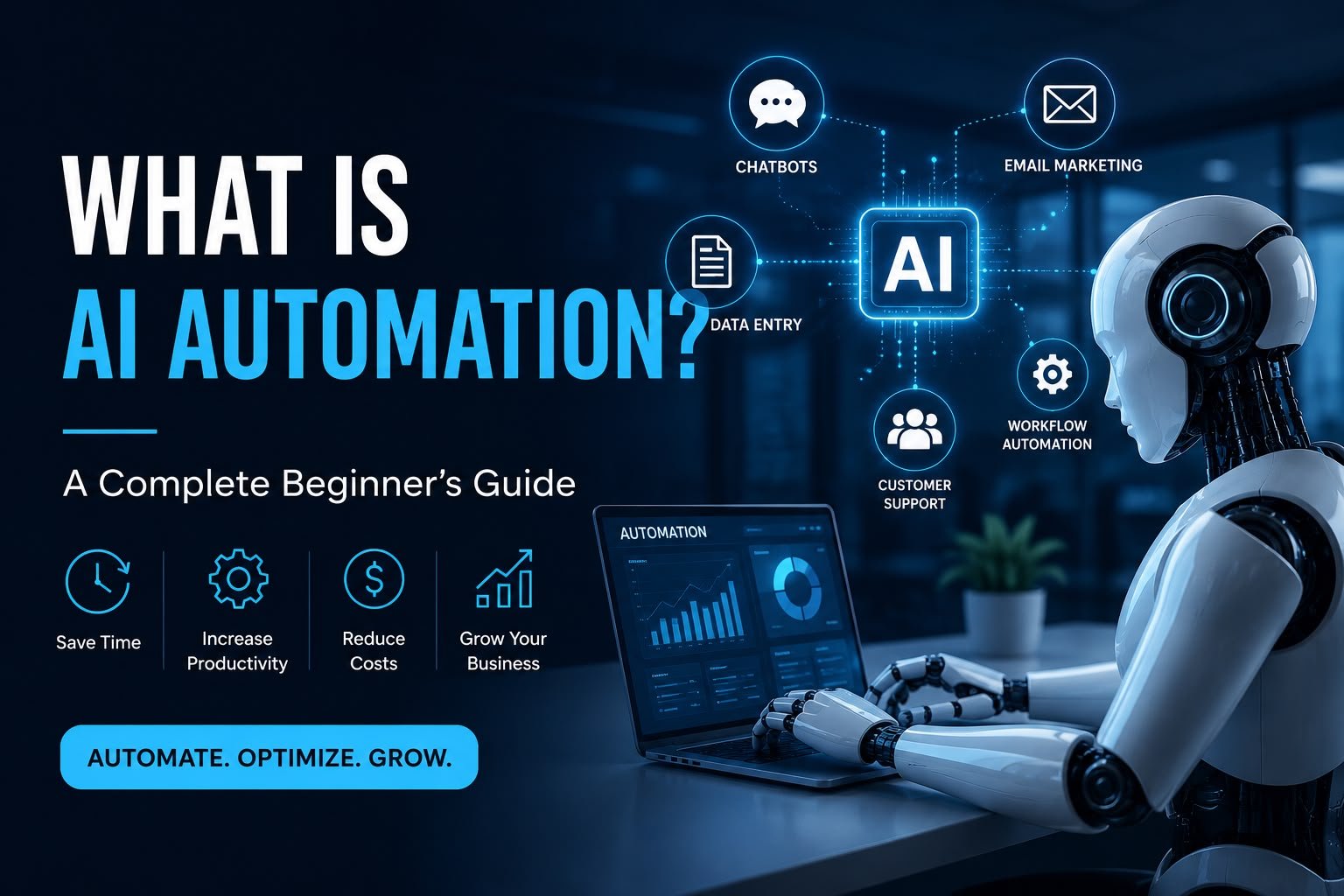
Table of Contents
What Is AI Automation?
AI automation is the use of artificial intelligence together with automated workflows to complete business tasks with less manual intervention.
Traditional automation usually follows predefined rules. For example, a system might automatically send an email whenever a customer submits a form. AI automation can go further by using AI to understand information, make classifications, generate content, or handle less structured inputs before continuing the workflow.
For example, imagine a business receives customer enquiries by email. An AI-powered workflow could:
- Read the incoming message.
- Identify what the customer needs.
- Categorize the enquiry.
- Create a suitable draft response.
- Send the information to the appropriate team or system.
- Ask a human to review the response when necessary.
This combination of AI capabilities and automated actions is what makes AI automation different from simple rule-based automation.
AI automation can be used across areas such as customer service, sales, marketing, finance, human resources, operations, and internal business processes. The exact benefits depend on the workflow, the quality of the data, the tools being used, and the level of human oversight.
In simple terms, AI automation helps businesses connect AI capabilities with real-world processes so that work can be completed more efficiently while keeping people involved where human judgment is important.
How Does AI Automation Work?
AI automation usually works by combining AI with a series of connected steps in a business workflow. Instead of requiring a person to handle every step manually, the system can use AI to understand information and then trigger the next action automatically.
A typical AI automation workflow can follow these steps:
1. Input
The system receives information from an email, form, document, customer message, or another source.
2. AI processing
An AI model analyzes the information, understands its context, extracts relevant details, or classifies it.
3. Decision or action
Based on the result, the workflow determines what should happen next.
4. Automation
The system performs the next action, such as updating a database, sending information to another application, creating a task, or preparing a response.
5. Human review
When a task requires judgment, approval, or additional verification, a person can review the result before the workflow continues.
For example, a business could receive a customer enquiry through a website form. AI can identify the type of enquiry, extract important details, and send the information to the correct team. The system could then create a follow-up task automatically.
This approach allows businesses to automate more than simple repetitive actions because AI can help process information that is less structured or harder to handle with fixed rules.
AI Automation vs Traditional Automation
Traditional automation and AI automation both help businesses reduce manual work, but they work in different ways.
Traditional automation usually follows predefined rules. When a specific condition is met, the system performs a specific action. For example, a form submission could automatically create a task or send a confirmation email.
This approach adds artificial intelligence to the workflow. This allows the system to work with information that may require interpretation, such as emails, documents, customer messages, or other unstructured data.
| Traditional Automation | AI Automation |
| Follows predefined rules | Can interpret information using AI |
| Works best with structured data | Can handle more unstructured information |
| Usually follows fixed workflows | Can support more flexible workflows |
| Limited to programmed conditions | Can classify, summarize, generate, or analyze information |
| Often predictable and rule-based | May require monitoring and human review |
For example, traditional automation might send the same confirmation email to every customer who completes a form. AI automation could analyze the customer’s message, identify their request, and help create a more relevant response before sending it for approval.
This does not mean this approach should replace traditional automation. In many businesses, the two work together. Traditional automation can handle predictable steps, while AI can handle tasks that involve understanding or processing information.
Benefits of AI Automation?
These workflows can provide several practical benefits when it is applied to the right business processes. The results depend on the type of workflow, the quality of the data, and how well the automation is designed and monitored.
Saves Time on Repetitive Work
AI automation can handle repetitive tasks such as sorting messages, summarizing information, organizing data, and preparing routine responses. This can reduce the amount of manual work employees need to perform.
Helps Process Information Faster
Businesses often deal with large amounts of emails, documents, customer messages, and other information. AI can help analyze and organize this information as part of an automated workflow.
Supports Faster Responses
AI automation can help businesses respond to common customer enquiries, route requests to the right team, and prepare responses more quickly. Human review can still be included when a response requires judgment or approval.
Improves Workflow Consistency
When a workflow is clearly designed, automation can perform the same process consistently instead of relying on someone to remember every step manually.
Connects Different Business Tools
AI automation can connect AI capabilities with other business applications. For example, a workflow might receive information from a website form, analyze it with AI, update a customer system, and create a follow-up task automatically.
Allows Employees to Focus on Higher-Value Work
By handling suitable repetitive tasks, AI automation can give employees more time to focus on activities that require communication, creativity, problem-solving, and human decision-making.
This approach does not guarantee better results in every situation. Businesses should choose suitable processes, test their workflows, monitor the outputs, and keep human oversight where it is important.
Real-World AI Automation Examples
AI automation can be used in many business processes where information needs to be understood, organized, or acted on. The best use cases are usually tasks that are repetitive but still require some level of interpretation.
Customer Support
AI can analyze customer messages, identify the type of enquiry, suggest a response, and route the conversation to the appropriate team. Human review can be added when the issue is sensitive or requires judgment.
Lead Management
When a potential customer submits a form, AI can analyze the information, identify the type of lead, summarize the enquiry, and send the details to a CRM or sales system. The workflow can then create a follow-up task automatically.
Email Management
AI automation can classify incoming emails, summarize important messages, identify requests, and route them to the right person or department. Routine messages can also be handled through predefined workflows.
Document Processing
Businesses often receive invoices, applications, reports, and other documents. AI can extract relevant information from these documents and send the data to another business system for further processing.
Marketing Content Workflows
AI can help businesses generate content ideas, summarize research, create draft content, or organize information. Automation can then move the output between tools or send it for human review before publication.
Internal Business Processes
AI automation can also support everyday internal tasks such as meeting summaries, task creation, information classification, and knowledge management. These workflows can reduce manual steps while keeping employees involved where human judgment is required.
The right use case depends on the business process, the quality of available information, the tools being used, and the level of human oversight required. Businesses should start with a clearly defined process and test the workflow before expanding it.
AI Automation Tools for Business
The right AI automation tools depend on the type of workflow a business wants to improve. Some tools focus on connecting applications, while others provide AI capabilities for content, customer service, data processing, or business operations.
Zapier
Zapier connects different applications and allows businesses to create automated workflows. Its AI features can help businesses add AI-powered steps to workflows, such as analyzing information, generating content, or processing incoming data.
Make
Make is a visual automation platform that allows businesses to connect applications and build multi-step workflows. AI can be included in these workflows to process information and support more flexible automation.
Microsoft Power Automate
Microsoft Power Automate helps businesses automate workflows across Microsoft and other applications. It can be useful for organizations that already use tools such as Microsoft 365 and want to connect business processes.
UiPath
UiPath focuses on business process automation and combines automation with AI capabilities. It can be used for more complex business processes involving documents, data, and repetitive digital tasks.
Other AI-Powered Business Tools
Many other platforms now include AI features for specific business needs, including customer service, marketing, sales, document processing, and data analysis. The best choice depends on the workflow rather than simply choosing the tool with the most features.
Before choosing an AI automation tool, consider:
- Which business process you want to automate
- Which applications need to be connected
- What type of information the workflow will process
- Whether human approval is required
- How sensitive or confidential the information is
- The tool’s pricing, integrations, reliability, and scalability
A good AI automation setup starts with the business process first and the tool second. Choosing a tool before understanding the workflow can lead to unnecessary complexity and costs.
Frequently Asked Questions
What is AI Automation?
AI automation combines artificial intelligence with automated workflows to help businesses complete tasks with less manual intervention. AI can interpret information, classify data, generate content, or support decisions within an automated process.
What is an example of AI automation?
A simple example is customer email automation. AI can read an incoming enquiry, identify what the customer needs, categorize the message, prepare a response, and send it to the appropriate team or for human approval.
What is the difference between AI automation and traditional automation?
Traditional automation generally follows predefined rules and fixed conditions. AI automation adds AI capabilities that can help interpret text, documents, messages, and other less structured information before the workflow continues.
Is AI automation the same as an AI agent?
No. AI automation usually operates within a predefined workflow, while an AI agent can have more flexibility to decide which steps or tools to use when working toward a goal. Businesses can use both approaches depending on the task and required level of control.
What are the benefits of AI automation for businesses?
AI automation can help businesses reduce repetitive manual work, process information more efficiently, respond to routine enquiries, connect different business tools, and allow employees to focus on tasks that require human judgment and creativity.
How can a business start using AI automation?
Start with a clearly defined, repetitive process that involves enough manual work to justify automation. Map the existing workflow, identify where AI can add value, choose suitable tools, test the workflow, and keep human review where accuracy, approval, or sensitive information is involved.
Conclusion
AI automation is changing how businesses handle repetitive and information-heavy tasks by combining artificial intelligence with automated workflows.
From customer support and lead management to document processing and internal operations, AI automation can help businesses reduce manual steps and create more connected workflows. However, successful automation depends on choosing the right process, using reliable tools, testing the workflow, and maintaining appropriate human oversight.
Businesses do not need to automate everything at once. A practical approach is to start with one clearly defined process, measure the results, improve the workflow, and then expand automation to other suitable areas.
As AI technology continues to develop in 2026, understanding how AI automation works can help businesses make more informed decisions about where and how to use it.