
A good workspace does not have to be complicated. Sometimes, a few well-chosen tech products can make a noticeable difference—whether you are working from home, managing files, building a PC, or simply trying to keep your desk organised.
The right computer accessories can help with storage, performance, portability and everyday maintenance. You do not need to buy everything at once; the key is choosing products that solve problems you actually have.If you’re looking for more useful tech products for your setup, check out our previous guide to 5 essential tech products.
To make things easier, we have picked five useful tech products covering different needs, from extra storage and PC performance to cleaning and compact computing.
Table of Contents
1. Seagate Portable 4TB External Hard Drive
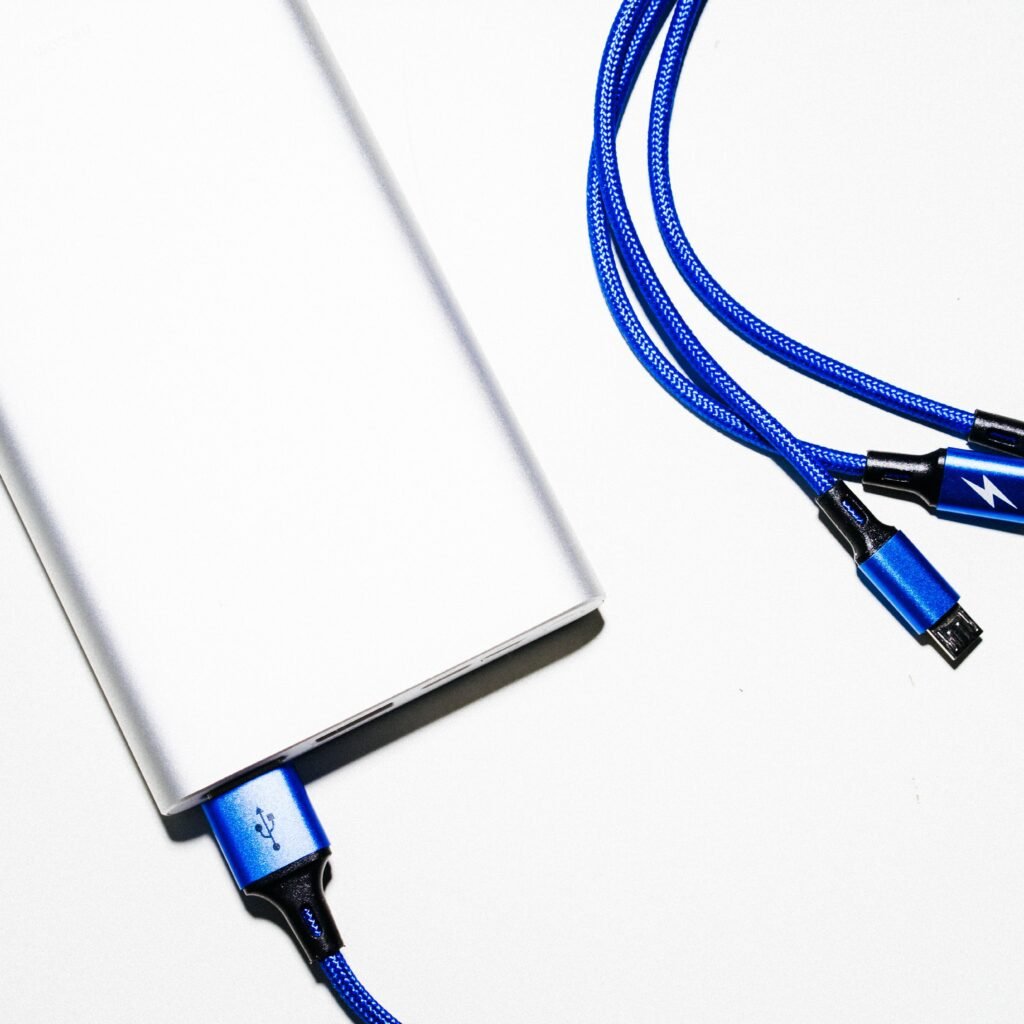
Running out of storage is one of those problems that tends to appear at the worst possible time. Large video files, photos, documents and backups can quickly fill up a computer’s internal drive.
The Seagate Portable 4TB External Hard Drive provides a simple way to add substantial storage without opening up your computer. It connects through USB 3.0 and is designed to work with PCs and Macs, while also supporting compatible gaming systems.
For anyone who regularly handles large files or wants a separate place for backups, an external hard drive can be a practical addition to a home workspace.
Best for: Extra storage, file backups and large media collections.
2. AMD Ryzen 5 9600X Desktop Processor
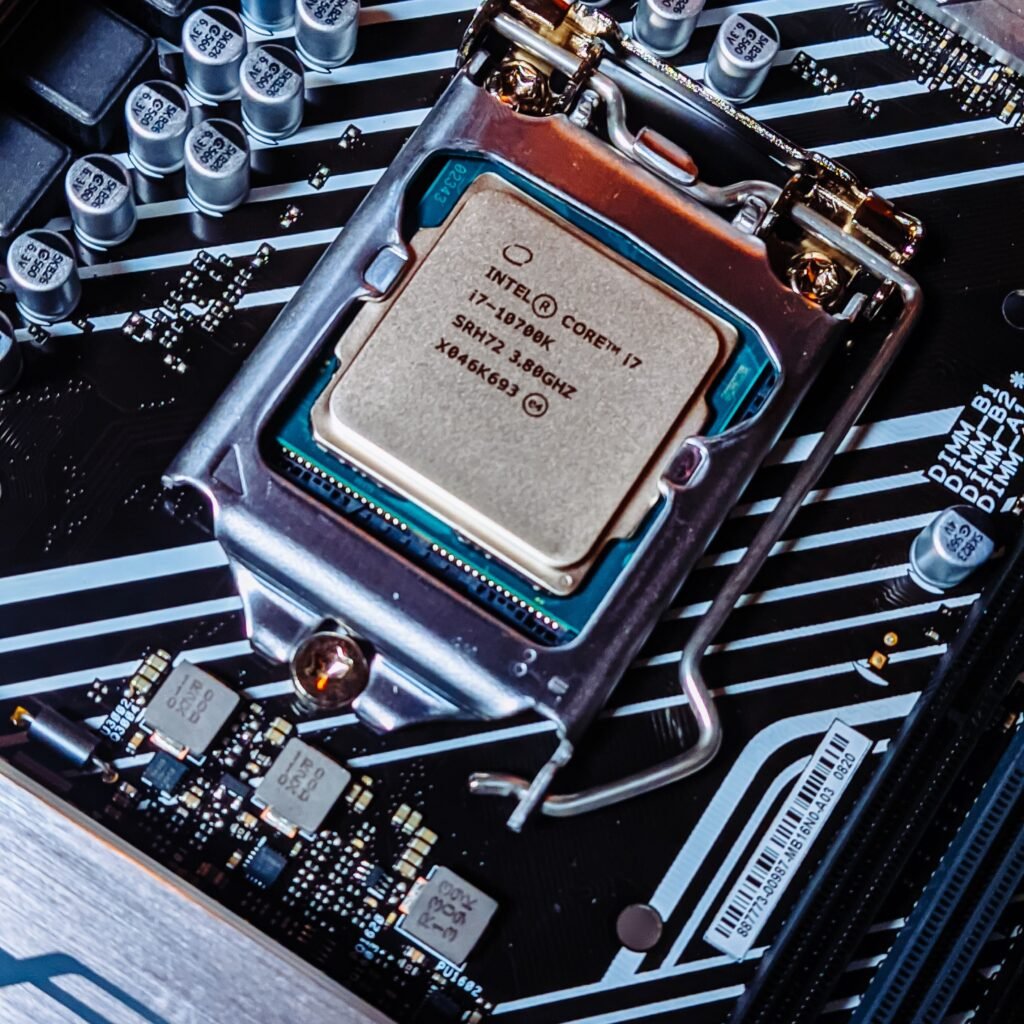
If you are building or upgrading a desktop PC, the processor is one of the most important components to consider.
The AMD Ryzen 5 9600X is a 6-core, 12-thread desktop processor designed for users who want strong everyday and multitasking performance. Its unlocked design also makes it interesting for PC builders who want more control over their system.
Whether you are working with demanding applications, multitasking between several programs, or putting together a new desktop, choosing the right processor can have a significant impact on the overall experience.
Keep in mind that a processor upgrade is not as simple as replacing a USB accessory. You need to check motherboard compatibility, cooling requirements and the rest of your system before purchasing.
Best for: Desktop PC builds, upgrades and demanding multitasking.
3. SanDisk 512GB Ultra microSD Card + Adapter
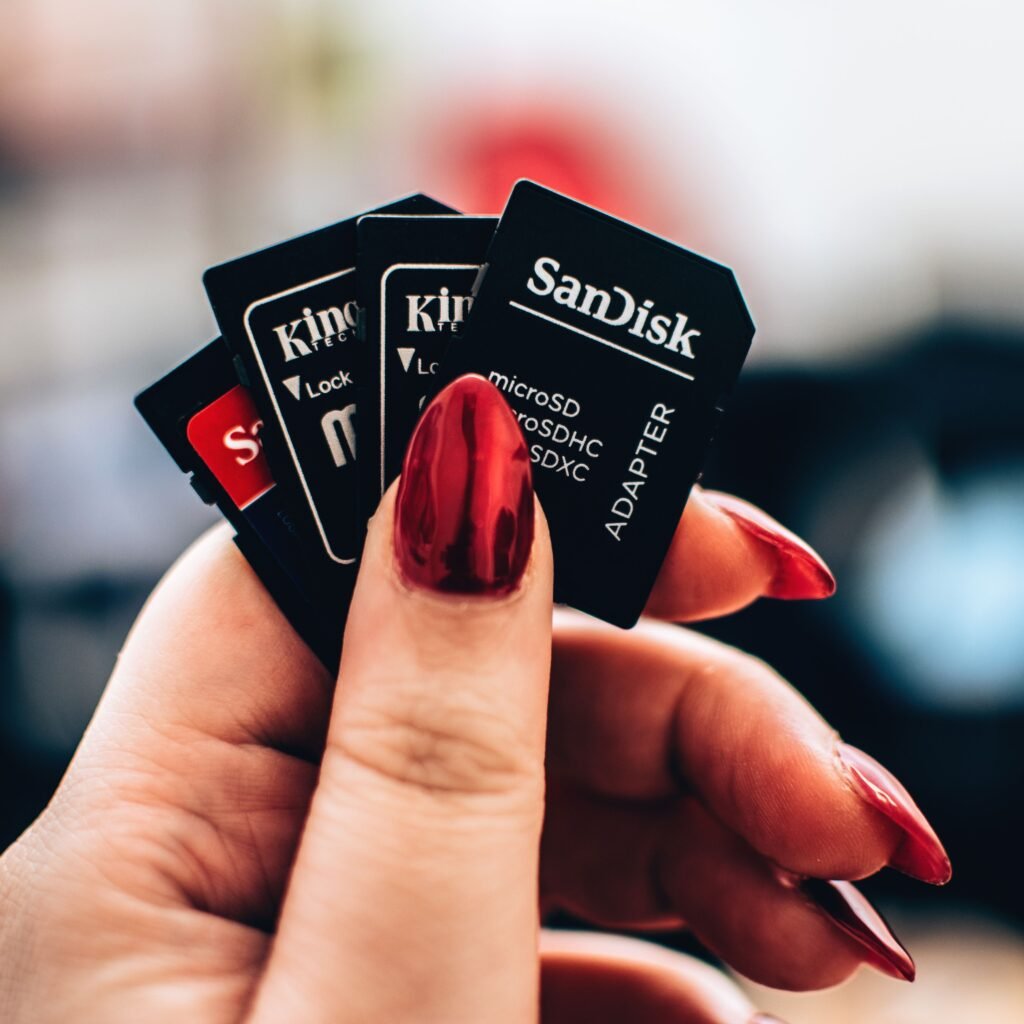
Small storage can be surprisingly useful. A microSD card can give compatible phones, tablets, cameras and other devices additional space without taking up much physical room.
The SanDisk 512GB Ultra microSD Card comes with an adapter and offers up to 150MB/s read speeds according to its listed specifications. It is designed for compatible devices and is suitable for storing photos, videos and other files.
The included adapter also makes it easier to use the microSD card with devices that accept a standard SD card.
Before buying, check that your device supports the card’s capacity and specifications.
Best for: Expanding storage on compatible smartphones, tablets and cameras.
4. Keyboard Cleaner & Laptop Cleaning Kit
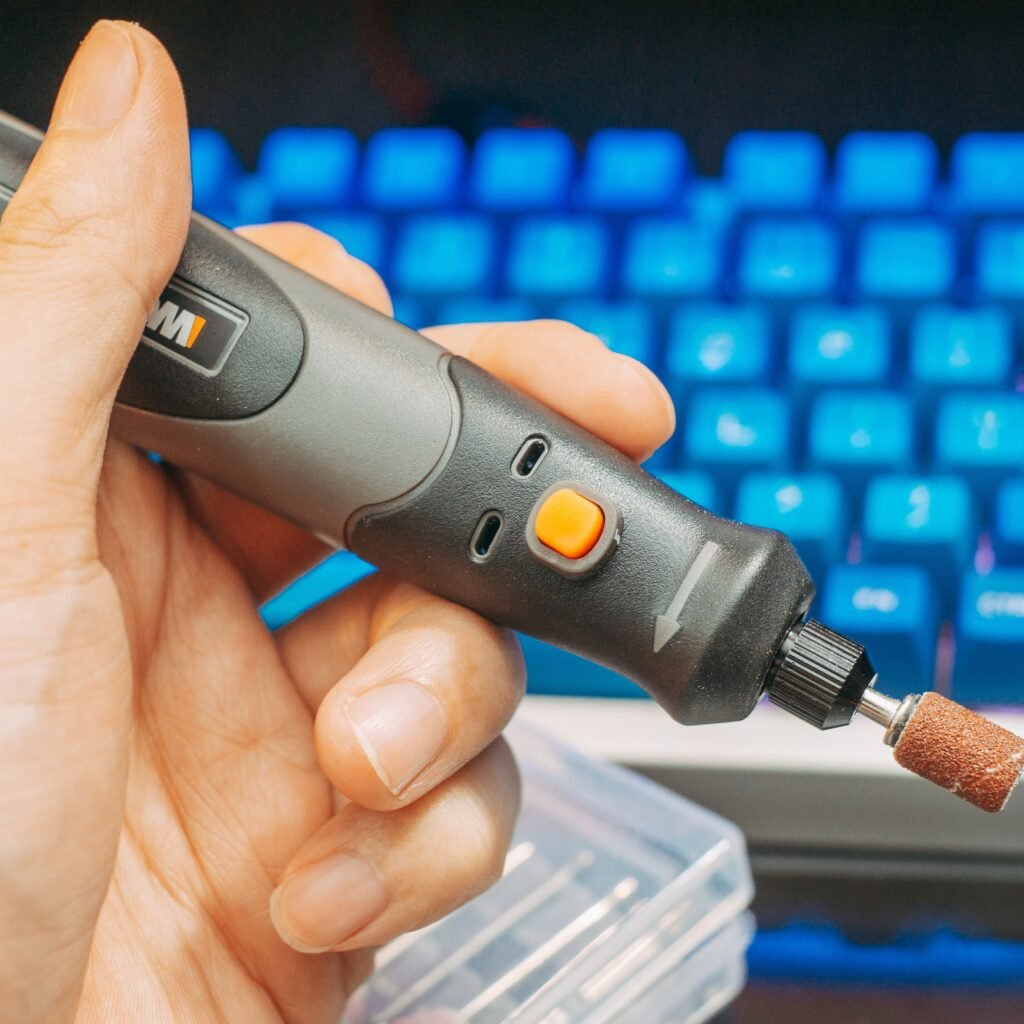
A keyboard collects more dust and debris than most people realise. If you spend several hours a day at your computer, keeping your keyboard and other computer accessories clean is a small habit that can make your workspace feel much better.
This keyboard and laptop cleaning kit combines several cleaning tools designed for computer and electronic devices. It can be useful for getting into areas around keys and other hard-to-reach places where ordinary cloths may not be enough.
The biggest advantage of a dedicated cleaning kit is convenience: instead of keeping several separate tools around, you have different options available when you need them.
Always follow the manufacturer’s instructions and make sure any cleaning solution is suitable for the particular surface or device.
Best for: Routine keyboard, laptop and electronics cleaning.
5. KAMRUI AK1PLUS Mini PC
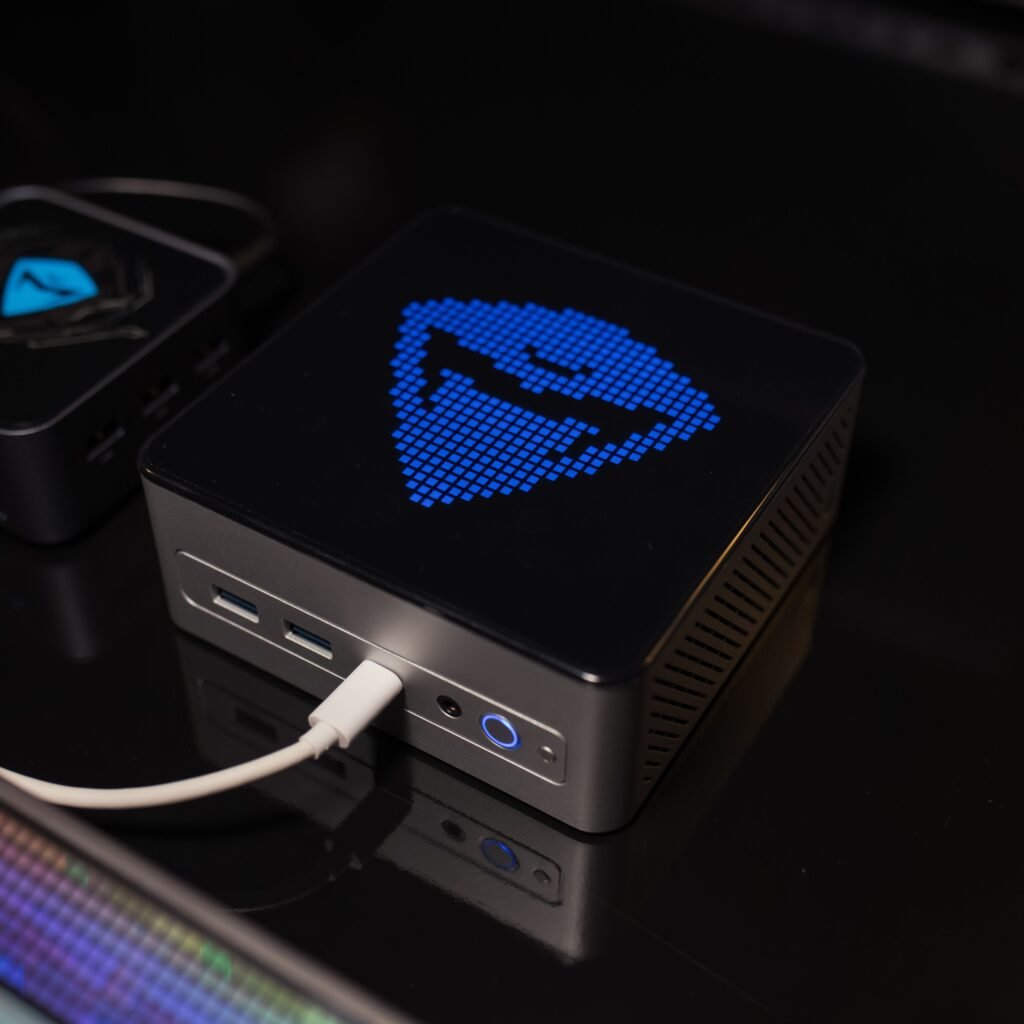
Not everyone needs a large desktop tower. For everyday computing, browsing, office work and a compact workspace, a mini PC can be an attractive alternative.
The KAMRUI AK1PLUS Mini PC features an Intel N5030 processor, 12GB RAM and a 256GB SSD. Its small form factor makes it particularly interesting for people who want to save desk space.
It can be a useful option for a home office, secondary computer or basic everyday setup. However, as with any compact computer, you should check that its specifications meet your particular workload before buying.
Best for: Compact home-office setups, everyday computing and space-saving workstations.
How to Choose the Right Computer Accessories
The best computer accessories are not necessarily the most expensive ones. Start by identifying the problem you want to solve.
If storage is the issue, an external hard drive may make more sense than replacing your entire computer. If you are building a desktop, the processor and system compatibility become much more important. For a laptop or smartphone user, portable storage and cleaning tools may be more useful.
Before buying, consider:
- Compatibility: Make sure the product works with your computer or device.
- Your actual needs: Avoid paying for specifications you will never use.
- Available space: Compact products can be especially useful on smaller desks.
- Storage requirements: Think about how much space you need now and how quickly that could increase.
- Long-term value: A product that solves an everyday problem can be more useful than a gadget you rarely use.
Frequently Asked Questions
What are the most useful computer accessories?
The most useful computer accessories depend on how you use your computer. External storage, cleaning tools, memory cards and other practical accessories can be valuable for everyday users, while PC builders may prioritise internal components such as processors.
Is an external hard drive useful for a home office?
Yes. An external hard drive can provide additional storage and can also be useful for keeping separate copies of important files. It should not, however, be considered a replacement for a proper backup strategy.
What should I check before buying a PC accessory?
Check compatibility first. Look at the connection type, supported operating systems, storage capacity, dimensions and any other specifications that matter for your particular setup.
Are mini PCs good for home offices?
Mini PCs can be a good choice for users who want a compact computer for everyday tasks. Their suitability depends on the processor, RAM, storage and the type of work you intend to perform.
Final Thoughts
A productive workspace is usually built around practical choices rather than having the latest gadget on the desk.The right computer accessories can make your workspace more practical, organized, and comfortable without adding unnecessary clutter. From extra storage and reliable processing power to compact PCs and simple cleaning tools, choosing products that match your actual needs can make everyday work much easier, practical and organized.
The five products in this guide cover different needs: the Seagate drive focuses on storage, the Ryzen processor on desktop performance, the SanDisk card on portable storage, the cleaning kit on maintenance, and the KAMRUI mini PC on compact computing.
The best choice for you depends on what your current setup is missing. Start with the problem you want to solve, check compatibility and specifications, and then choose the product that makes the most sense for your workspace.
Affiliate Disclosure
This article contains affiliate links. If you purchase a product of computer accessories through one of our links, we may earn a commission at no additional cost to you. We only recommend products relevant to the topic of this guide.