
A well-organised workspace can make everyday computer tasks feel easier, more comfortable, and more efficient. Whether you work from home, attend online meetings, manage a small business, or simply spend several hours at your computer, the right desk accessories can make a noticeable difference.
You do not always need to replace your entire desk or computer setup. Sometimes, a few carefully chosen accessories can improve comfort, connectivity, organisation, and the overall look of your workspace.
In this guide, we have selected five useful desk accessories that can help create a cleaner and more functional workspace: a monitor arm, USB-C docking station, ergonomic mouse, webcam, and compact desktop speakers.
You can also explore our Shop for more useful technology products and workspace accessories.
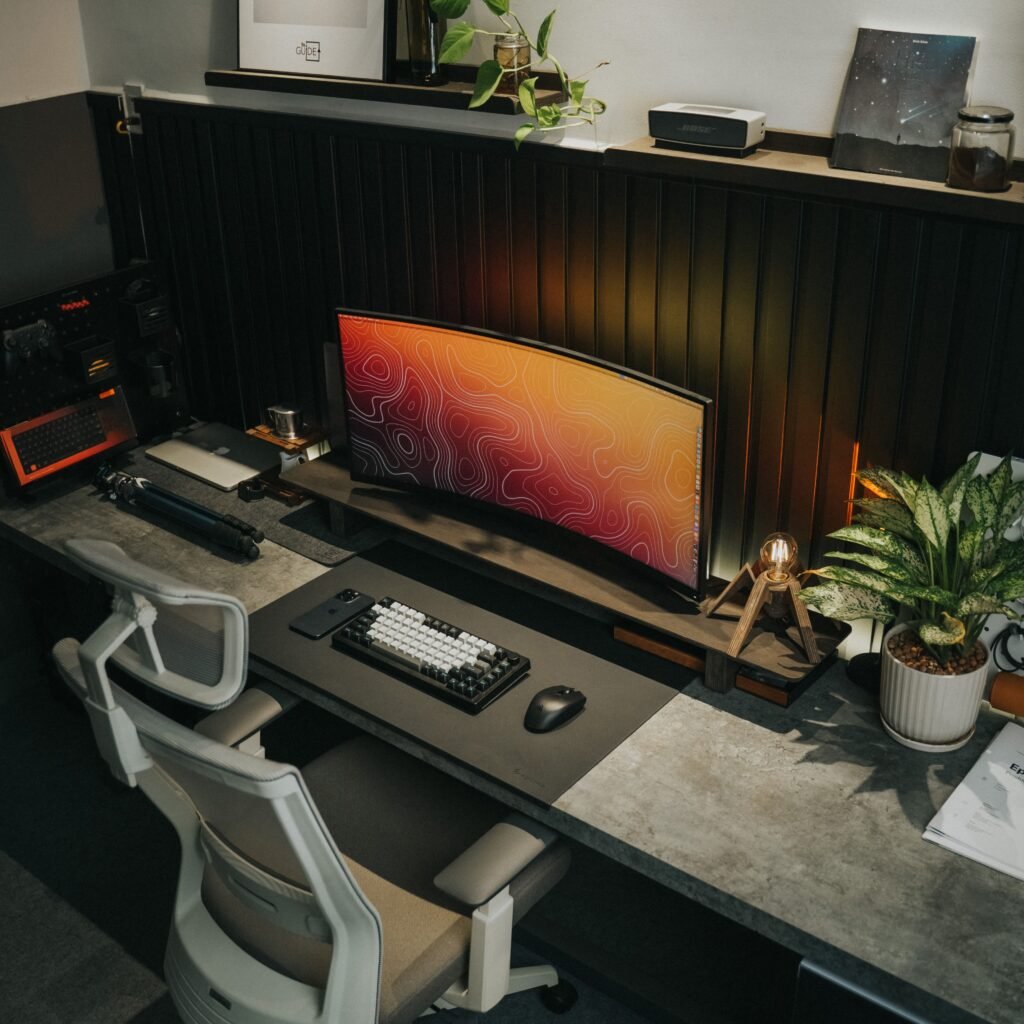
Table of Contents
What Makes a Good Desk Accessory?
The best desk accessories should do more than simply look good. They should solve everyday problems.
For example, a monitor arm can free up valuable desk space, while a USB-C docking station can reduce the number of cables connected directly to your laptop. An ergonomic mouse can make long computer sessions more comfortable, and a webcam can improve the quality of online meetings.
The goal is to build a workspace that works better for you without making it unnecessarily complicated.
1. ERGEAR Single Monitor Arm
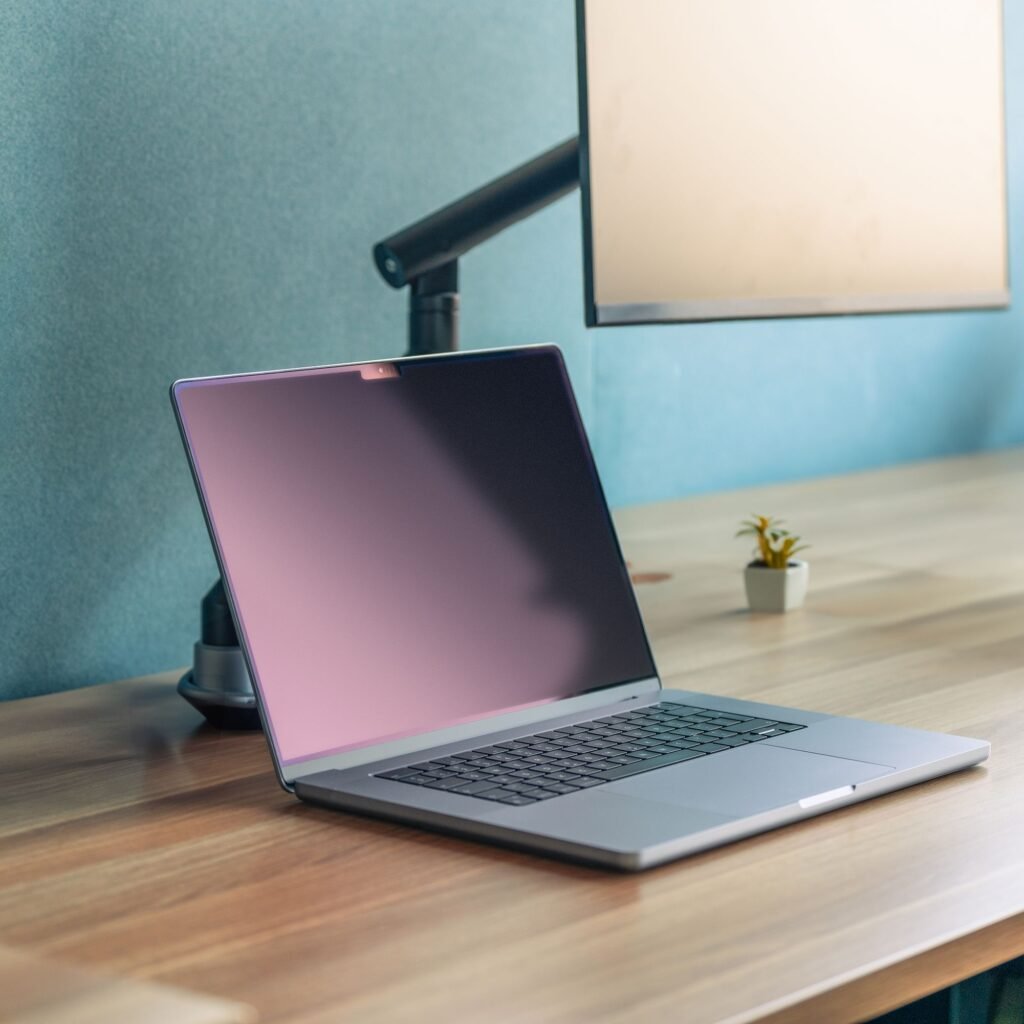
A monitor stand can take up a surprising amount of space on a desk. A single monitor arm is a practical way to move the screen off the desk surface while giving you more flexibility over its position.
The ERGEAR Single Monitor Arm is designed for adjustable monitor positioning and includes cable management to help keep the workspace tidy. Depending on the specific model, ERGEAR’s monitor arms support common VESA mounting patterns and offer features such as tilt, swivel, rotation, and adjustable positioning.
Why it is useful
A monitor arm can be particularly useful if you have a smaller desk or want a cleaner desk setup. Moving the monitor away from its original stand can create additional usable space for a keyboard, notebook, speakers, or other equipment.
The adjustable design can also make it easier to position your display at a comfortable viewing angle.
Best for: People who want more desk space and a cleaner monitor setup
2. Anker 8-in-1 USB-C Laptop Docking Station
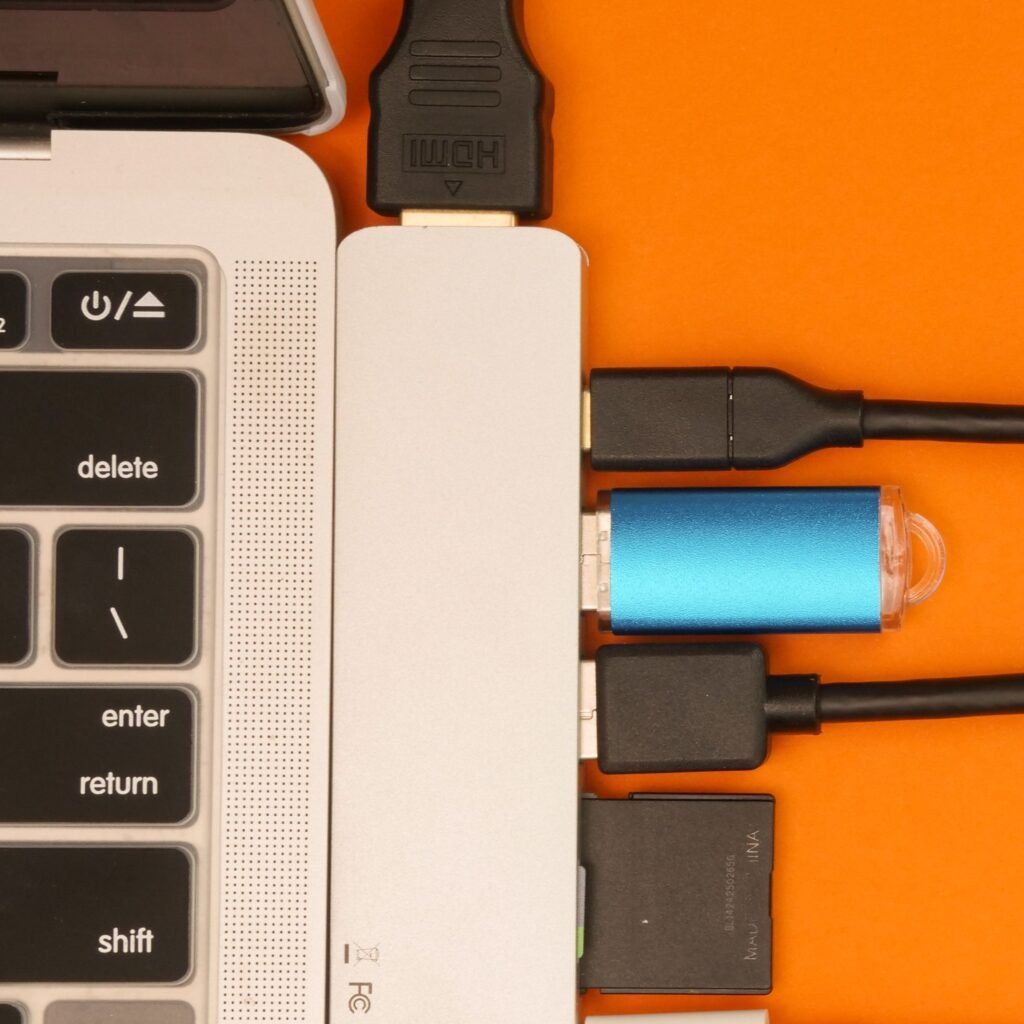
Modern laptops often have fewer physical ports than older computers. This can become frustrating when you need to connect a monitor, external storage, memory card, Ethernet connection, or other accessories.
An 8-in-1 USB-C docking station can turn a single USB-C connection into multiple connectivity options. Anker’s USB-C hub range includes 8-in-1 designs with combinations of HDMI, USB ports, Ethernet, SD and microSD card readers, and USB-C connectivity.
For a home office or professional desk, this type of accessory can help keep your laptop connected to multiple peripherals without constantly plugging and unplugging individual adapters.
Why it is useful
A docking station is especially helpful if you regularly move between a laptop and a permanent desk setup.
Instead of reconnecting several devices every time you sit down, you can keep your main peripherals connected to the hub and connect the laptop through USB-C.
Before buying, however, check your laptop’s USB-C capabilities and the exact specifications of the docking station, especially if you plan to use multiple external displays.
Best for: Laptop users who need more ports and a more convenient workstation connection.
3. Logitech Lift Vertical Ergonomic Wireless Mouse
A mouse is one of the most frequently used accessories on a computer desk, so comfort can matter just as much as functionality.
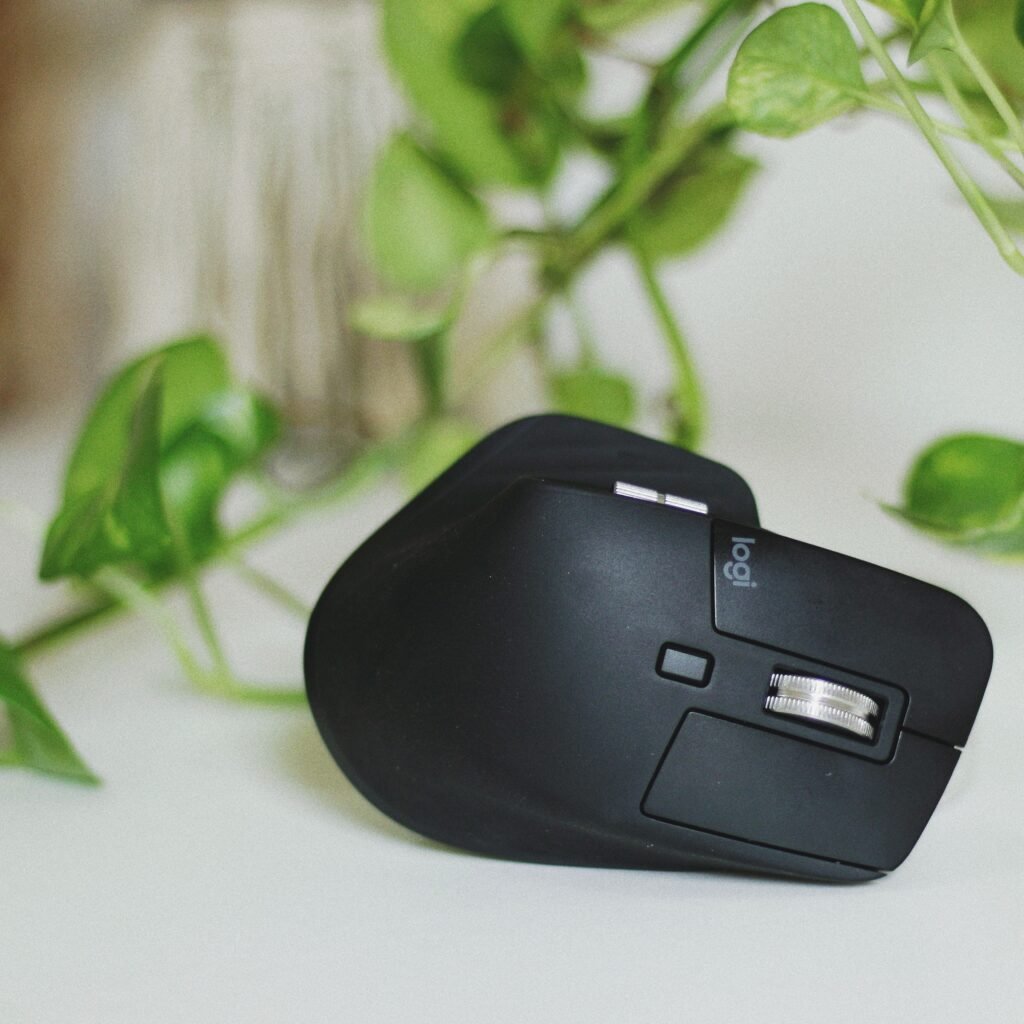
The Logitech Lift Vertical Ergonomic Wireless Mouse uses a 57-degree vertical design intended to encourage a more natural hand and forearm position. It also features a soft grip, thumb rest, quiet scrolling, and wireless connectivity through Bluetooth or Logitech’s Logi Bolt receiver. (Logitech)
The Lift is designed particularly for small-to-medium hands, and Logitech also offers a left-handed version. It can connect to multiple devices, making it useful for people who switch between computers or tablets during the day.
Why it is useful
If you spend several hours working with a mouse, switching to an ergonomic design may make your workspace feel more comfortable.
Its vertical shape is different from a conventional mouse, so there can be a short adjustment period. However, its design is specifically focused on creating a more natural hand position.
Best for: Office workers, remote workers, and anyone looking for a more ergonomic mouse.
4. ZIQIAN 1080P Webcam with Microphone
Video meetings have become a normal part of working and communicating online. If your laptop’s built-in camera does not provide the quality or flexibility you need, a dedicated webcam can be a useful workspace upgrade.
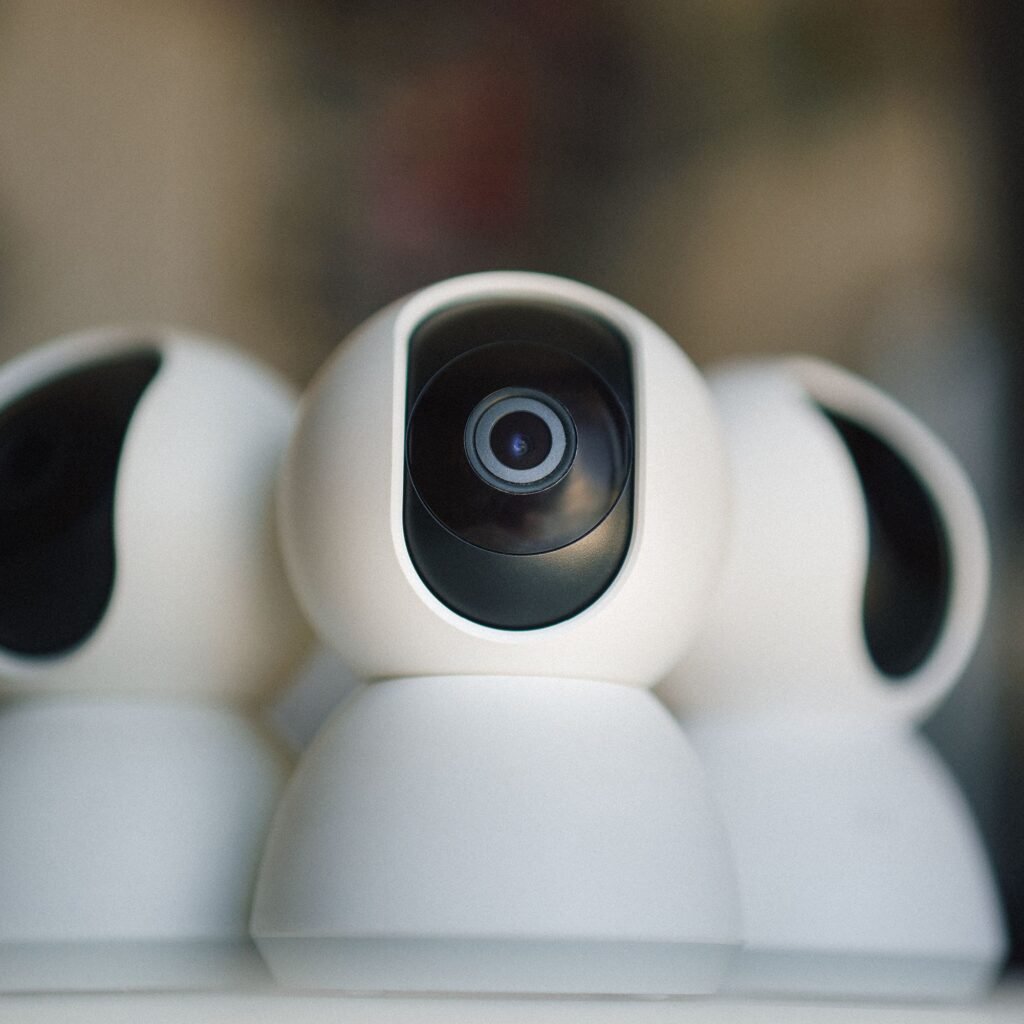
The ZIQIAN 1080P Webcam provides Full HD video and includes a built-in microphone, wide-angle viewing, plug-and-play functionality, and a privacy cover. Available documentation for the ZIQIAN 1080P models also describes a 110-degree wide-angle view and flexible mounting options.
Why it is useful
A dedicated webcam can be useful for video conferences, online presentations, streaming, and recording.
The privacy cover is also a practical feature because you can physically cover the camera when it is not being used.
For the best video quality, remember that lighting and camera positioning are just as important as resolution.
Best for: Remote workers, students, online meetings, video calls, and casual streaming.
5. Logitech Z150 Multimedia Speakers
Good audio does not have to require a large speaker system.
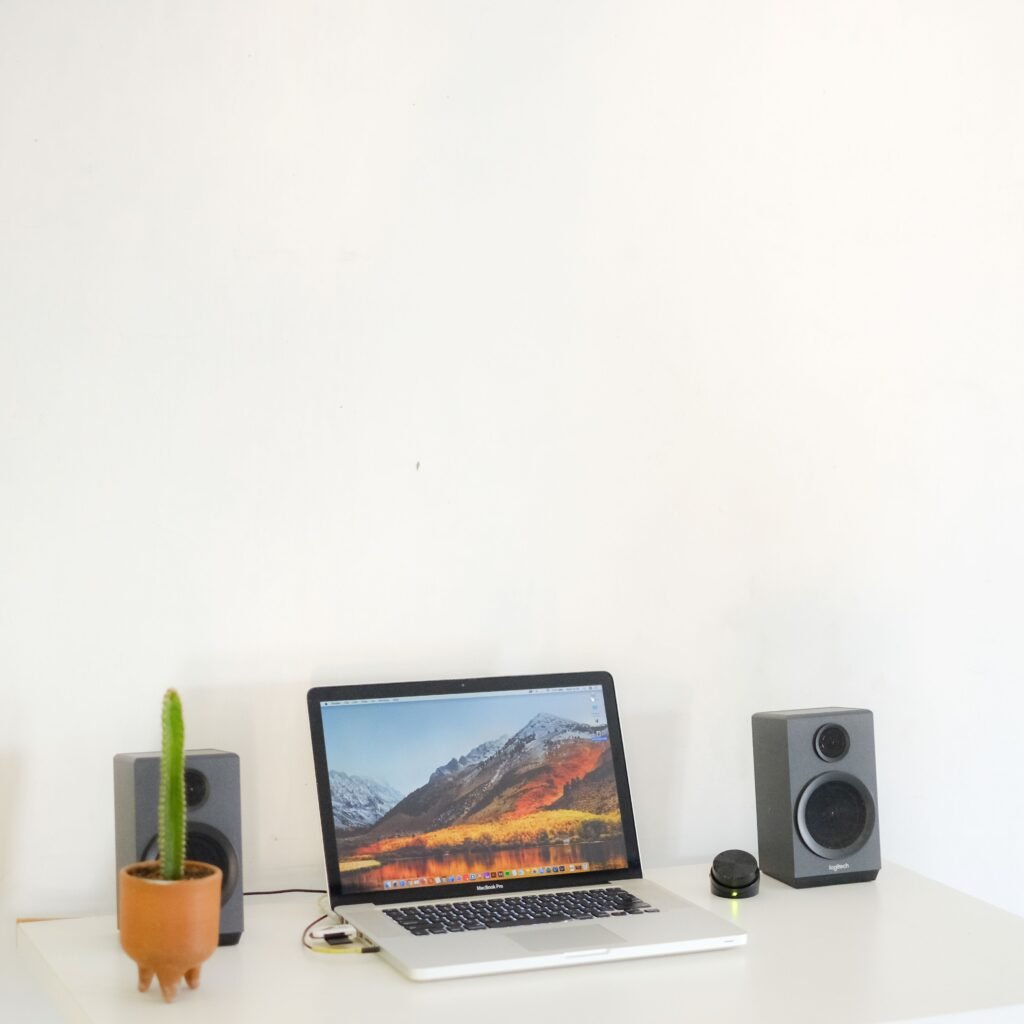
The Logitech Z150 Multimedia Speakers are compact stereo speakers designed for smaller spaces. They provide clear stereo sound, have easily accessible power and volume controls, and include a headphone jack on the right speaker. Logitech lists compatibility with devices that have a 3.5mm audio connection, including computers, tablets, smartphones, and other compatible devices.
Why it is useful
These speakers are a straightforward option for people who want better desktop audio without taking up much space.
They can be useful for listening to music, watching videos, joining calls through compatible setups, or simply replacing the basic audio experience of a laptop or monitor.
Best for: Small desks, home offices, everyday computer audio, and users who want a compact speaker setup.
How to Choose the Right Desk Accessories
You do not necessarily need all five products to improve your workspace. The right combination depends on how you use your desk.
For a cleaner desk
Start with a monitor arm and cable-management solution. Getting the monitor stand off the desk can create more usable space.
For a laptop-based workspace
A USB-C docking station can be one of the most useful upgrades, particularly if you regularly connect external displays, storage, networking, or other peripherals.
For long working sessions
An ergonomic mouse can be a worthwhile addition if you spend a large part of your day navigating documents, spreadsheets, websites, or creative applications.
For online meetings
A dedicated webcam can improve your video setup and give you more flexibility over camera placement.
For everyday entertainment
Compact desktop speakers can make your workspace more enjoyable without requiring a large audio system.
Build a Better Workspace Without Starting Over
Creating a better workspace does not have to mean buying expensive furniture or replacing your computer.
The right desk accessories can address some of the most common problems people experience with everyday computer setups: limited desk space, too few ports, uncomfortable peripherals, poor camera quality, and basic desktop audio.
The five products featured in this guide each solve a different problem. The ERGEAR monitor arm focuses on monitor positioning and desk space, the Anker docking station expands connectivity, the Logitech Lift focuses on ergonomic mouse design, the ZIQIAN webcam supports video communication, and the Logitech Z150 provides compact stereo audio.
Choose the accessories that solve your biggest workspace problems first, and build from there.
Frequently Asked Questions
What are the best desk accessories for a home office?
Some of the most useful desk accessories include monitor arms, USB-C docking stations, ergonomic mice, webcams, speakers, keyboard accessories, and cable-management solutions. The best choices depend on your equipment and how you use your workspace.
Are desk accessories useful for working from home?
Yes. The right desk accessories can improve organisation, connectivity, comfort, and convenience, making a home workspace more practical for everyday work.
What desk accessories can save space?
Monitor arms and compact USB-C docking stations can help create a cleaner setup. A monitor arm can remove the original monitor stand from the desk surface, while a docking station can reduce the need for multiple separate adapters.
Is an ergonomic mouse worth considering?
If you spend many hours using a computer mouse, an ergonomic design can be worth considering for greater comfort. The Logitech Lift, for example, uses a 57-degree vertical design intended to encourage a more natural hand and forearm position. (Logitech)
What should I consider before buying a USB-C docking station?
Check the ports you need, your laptop’s USB-C capabilities, display requirements, charging support, and operating-system compatibility. Not every USB-C port supports the same display or data features.
Final Thoughts
A productive workspace is not necessarily the one with the most equipment. It is the one where every accessory has a purpose.
If you want to upgrade your setup gradually, start with the area that causes you the most inconvenience. A monitor arm can improve desk space, a docking station can simplify connectivity, an ergonomic mouse can improve comfort, a webcam can upgrade online communication, and compact speakers can enhance everyday audio.
Together, these desk accessories can help turn an ordinary computer desk into a cleaner, more comfortable, and more functional workspace.
Affiliate Disclosure
This article contains affiliate links. If you purchase a product through one of our links, we may earn a commission at no additional cost to you. We only feature products that we believe may be useful to our readers.